Photo Editor
AI Photo Editor
Transform your photos with powerful AI technology. Upload your photos, provide prompts, and let our AI create stunning results.

Edit Your Photo
Upload your photos and provide detailed prompts for the AI to create your desired result.
Photo Editing Examples
See what our AI can create. Click on any example to use its description as a starting point.
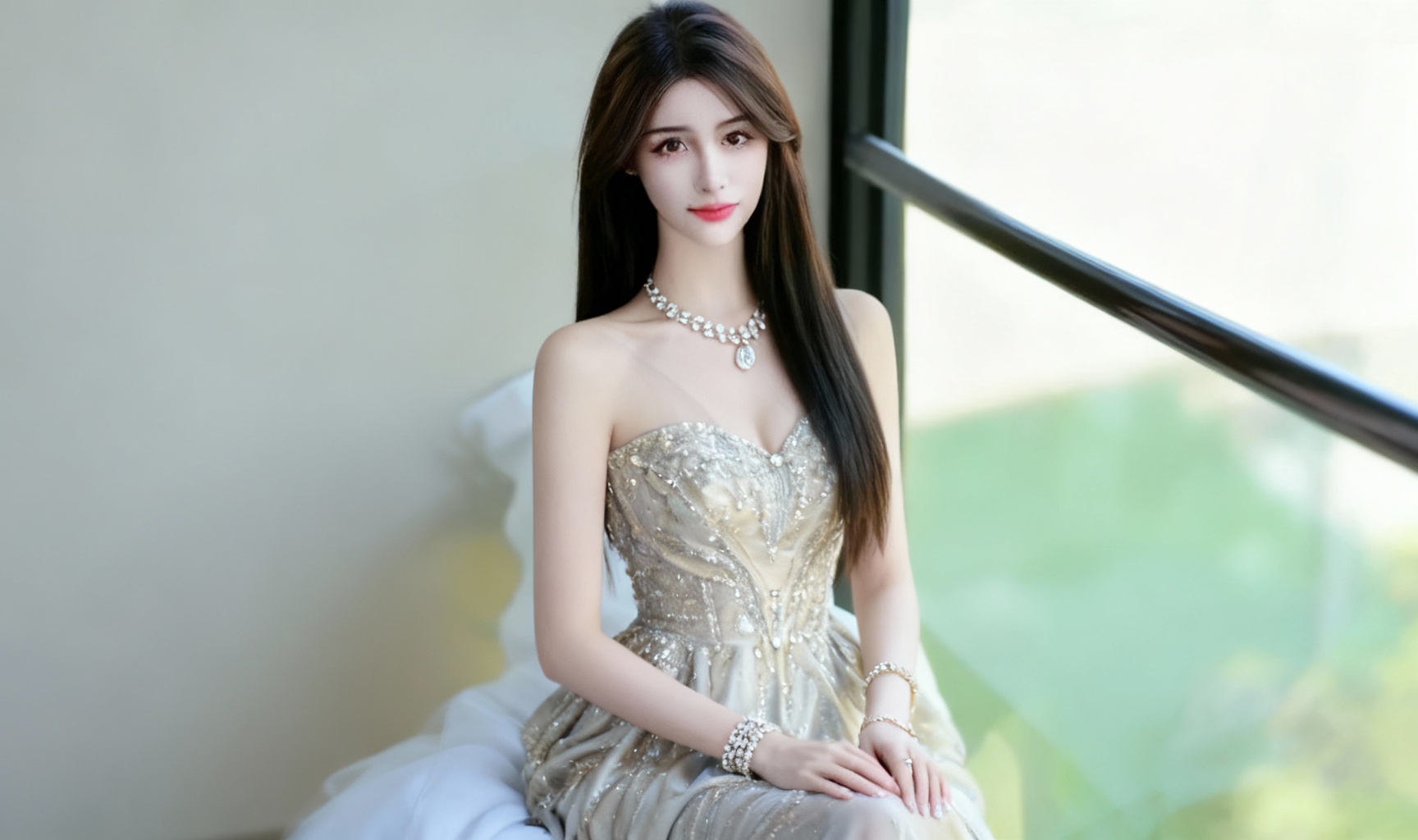
Fashion Transformation
Transform the outfit of the person in the main image to a stylish evening dress with elegant accessories and subtle background enhancement.
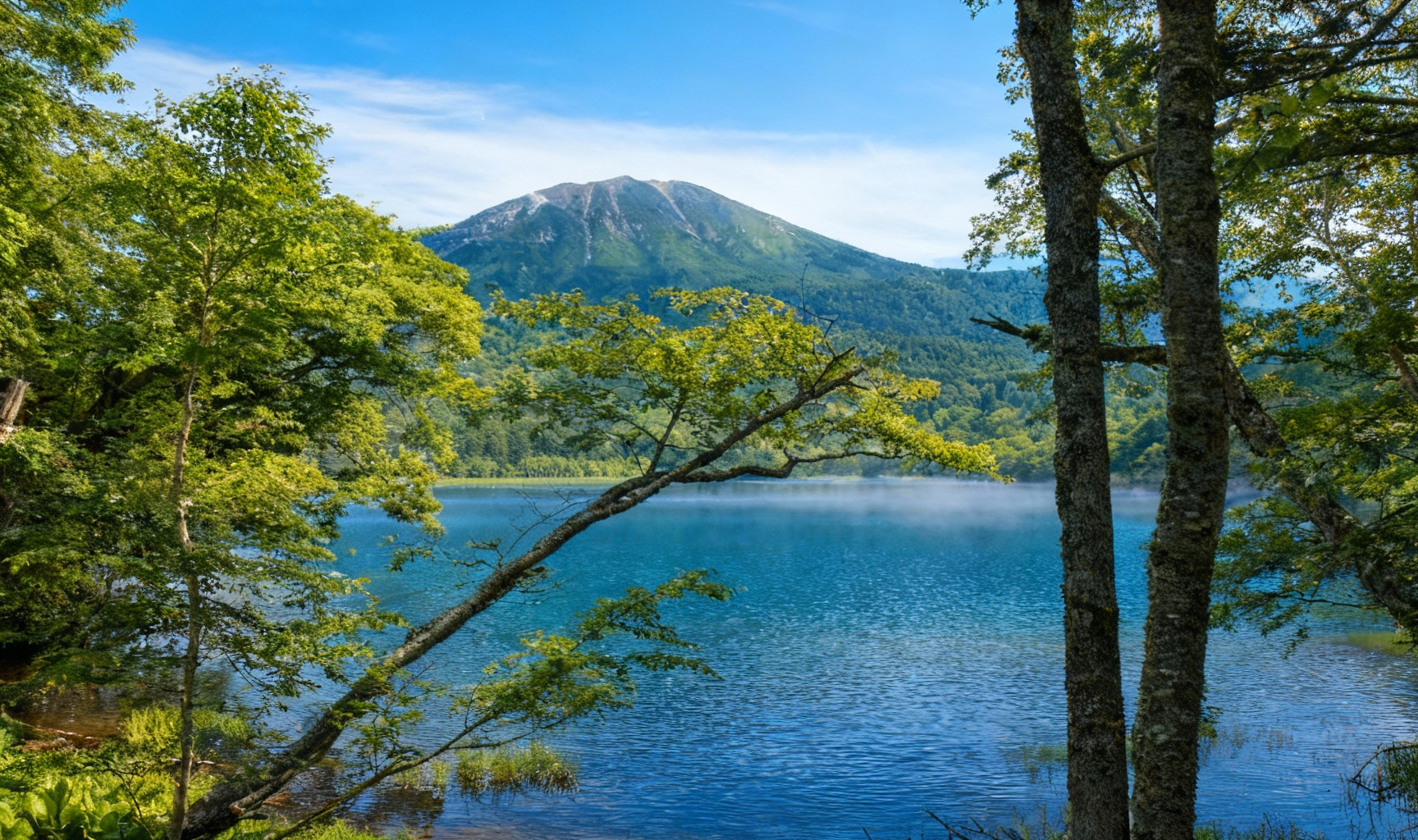
Nature Enhancement
Enhance the colors and lighting of the landscape photo, add subtle cloud and mist effects, and improve overall photo sharpness while maintaining natural appearance.
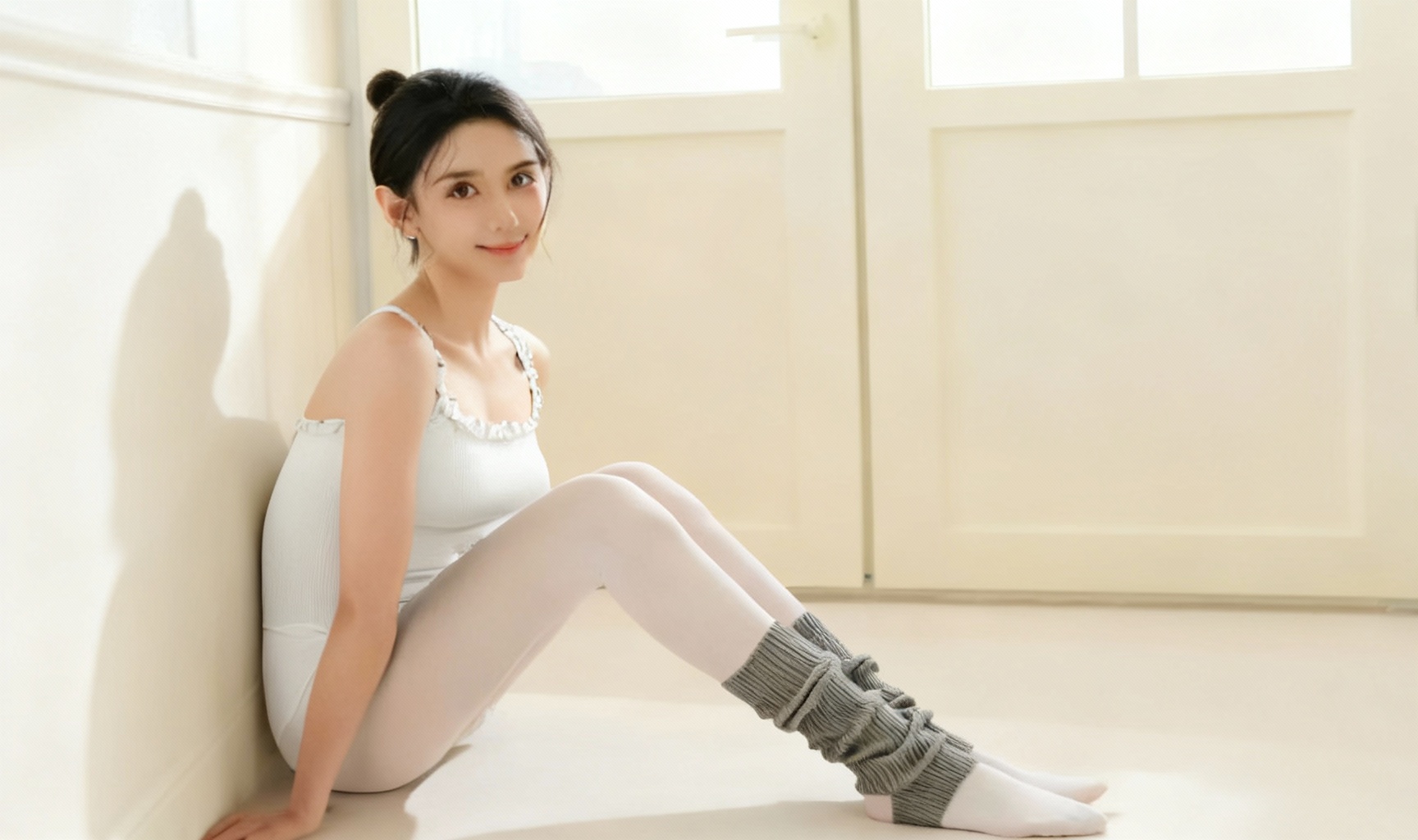
Portrait Retouching
Gently retouch the portrait photo, improve skin tone and texture, enhance facial features while maintaining natural look, and adjust lighting for professional appearance.
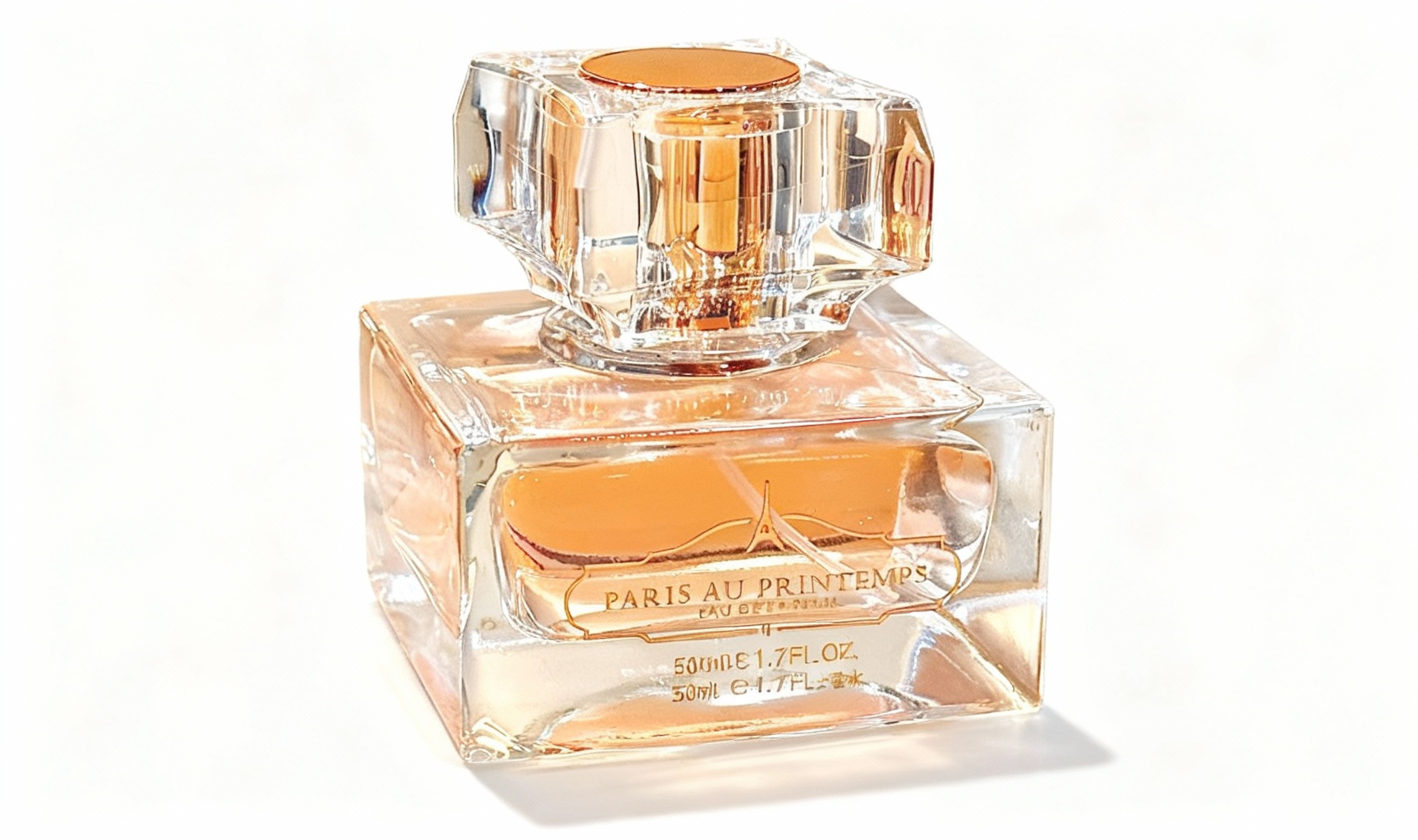
Product Enhancement
Remove background from the product photo, enhance colors and details, add subtle shadows for depth, and prepare for e-commerce use.
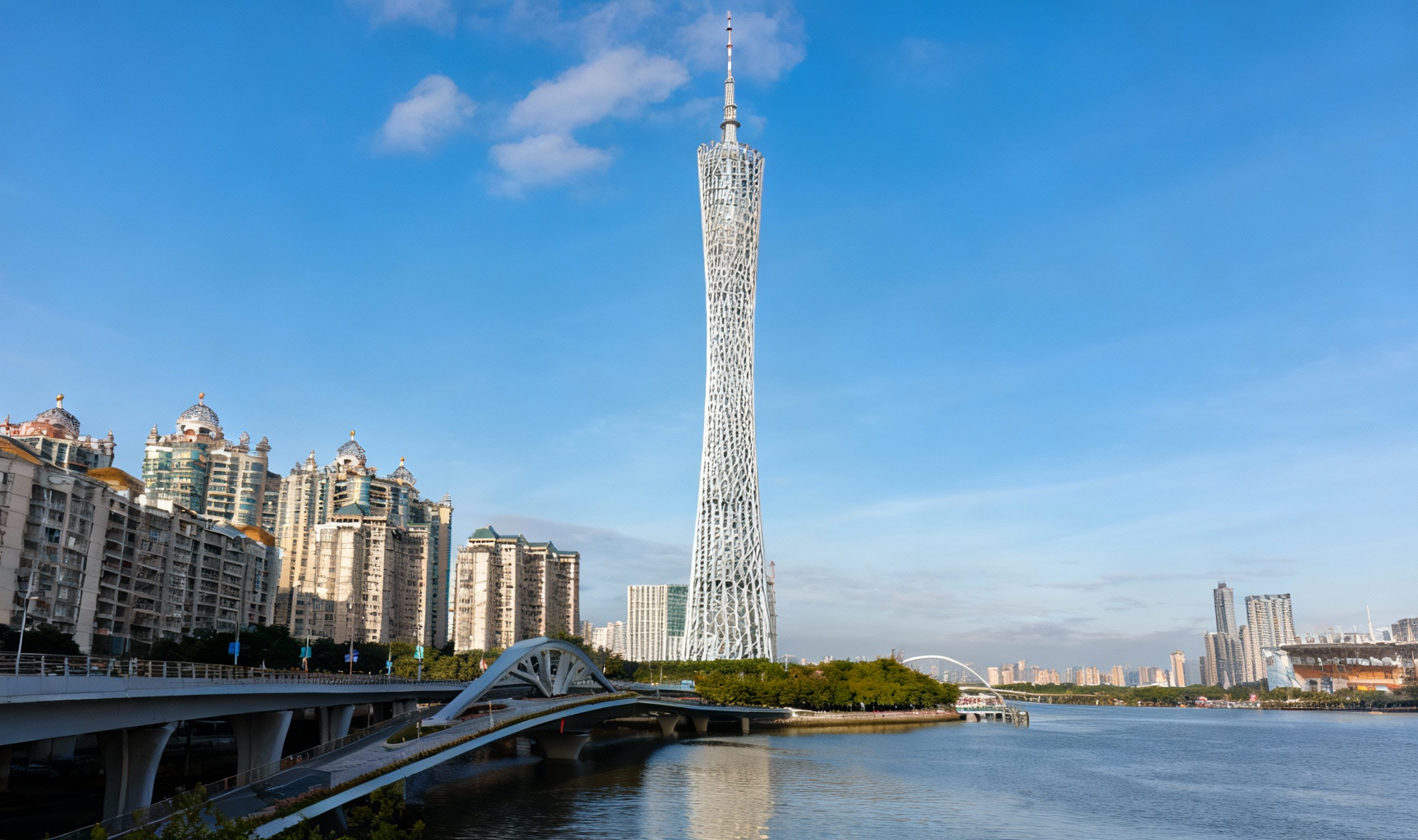
Architecture Edit
Straighten architectural lines, adjust perspective, enhance building details, and balance the sky exposure in this urban photography.
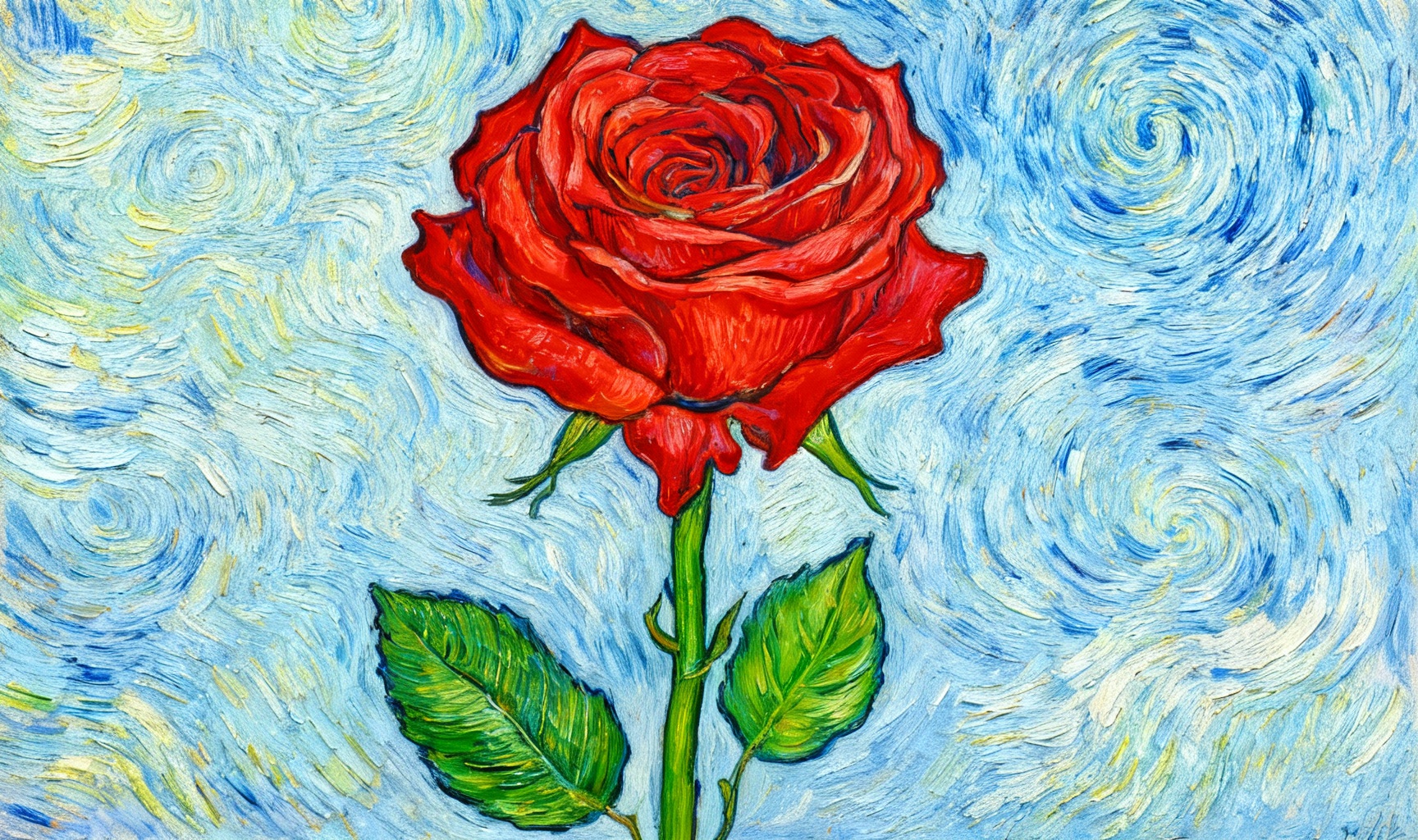
Artistic Style Transfer
Apply a Van Gogh style artistic filter to the photo while preserving the original composition and important details.
Powerful Photo Editing Features
Our AI-powered photo editor offers a wide range of capabilities to transform your photos with professional quality.
AI-Powered Editing
Advanced artificial intelligence analyzes your photos and instructions to create professional-quality results.
Multi-Image Support
Upload up to 4 photos to combine elements and create complex compositions with seamless integration.
Style Transfer
Apply artistic styles, filters, and visual effects to transform your photos into stunning works of art.
Fast Processing
Get your edited photos quickly with our optimized processing pipeline, typically within 60 seconds.
Precise Control
Provide detailed instructions to guide the AI and achieve exactly the result you envision.
Secure Processing
Your photos are processed securely and deleted after editing to protect your privacy.
Simple Photo Editing Process
Transform your photos in just 3 easy steps
Upload Your Photos
Select and upload up to 4 photos you want to edit or combine.
Provide Instructions
Describe in detail what changes you want to make to your photos.
Get Your Results
Our AI processes your request and delivers the edited photos quickly.
Photo Editor FAQ
Everything you need to know about our AI photo editor
What types of photos can I edit?
+Our AI photo editor supports various photo types including portraits, landscapes, fashion, products, architecture, and more. The AI can perform tasks like style transfer, object removal, background replacement, color enhancement, and composition changes.
How do I get the best results?
+For optimal results, provide clear, detailed instructions about what you want to change or achieve. Upload high-quality photos with good lighting and composition. Be specific about styles, colors, lighting effects, and any other details that are important to your vision.
How long does photo editing take?
+Most photo editing requests are processed within 30-60 seconds, depending on the complexity of the task and current server load. More complex edits may take a bit longer to complete.
What is the photo size limit?
+Each photo you upload should be no larger than 10MB in size. For best results, we recommend uploading photos with dimensions between 1024px and 4096px on the longest side.
Can I edit the same photo multiple times?
+Yes, you can download the edited photo and then upload it again with new instructions to make further adjustments. This allows you to refine your photo step by step until you achieve the desired result.
How to use AI to sharpen photos?
+Our AI-powered sharpening tool can enhance photo clarity automatically. Simply upload your blurry photo and let our AI analyze and improve it, restoring sharpness and detail without manual adjustments.
How to change clothes in portrait photos?
+Use our AI-powered VTON (Virtual Try-On) tool. Upload a portrait photo and select the desired clothing style or image. The AI will automatically replace the existing clothes in the photo.
Can AI help me restore old photos?
+Yes! Our AI old photo restoration tool can fix scratches, fading, discoloration, and other damage from old photos. It can even repair torn edges and restore missing details.
How to cut out photos quickly?
+Use our AI-powered object removal or background cutting tool. Upload your photo, select the area to keep or remove, and the AI will automatically handle the details accurately.
How to remove photo backgrounds?
+Our background remover tool automatically detects the foreground subject and removes the background with high precision. It works well for people, products, and objects.
How to adjust photo colors?
+The platform includes tools for adjusting hue, saturation, brightness, contrast, and other color parameters. You can also choose from color presets or let the AI auto-adjust for you.
How to add text to photos?
+Use our text tool to add custom text with a wide range of font styles, sizes, colors, and effects. You can easily adjust the text position and transparency to achieve the perfect look.
How to compress photos without losing quality?
+Our photo compression tool uses advanced algorithms to reduce file size while maintaining visual quality. You can control compression settings and preview the results.
How to edit photo dimensions?
+Enter a custom width and height, or choose from preset dimensions. Our AI maintains photo quality during resizing. You can also enable proportional scaling to maintain the aspect ratio.
How to add watermarks to photos?
+Upload your logo or add a text watermark. Then adjust its opacity, size, and position to protect your photos from unauthorized use.
How to remove clutter from photos?
+Our object removal tool uses AI to erase unwanted elements like wires, trash cans, or people from your photos, filling in the background naturally.
How to enhance photo contrast?
+Use our contrast adjustment tool or AI enhancement to increase the difference between light and dark areas in your photo, making it more vivid and three-dimensional.
How to perform portrait retouching?
+Our AI-powered portrait retouching tool can smooth skin, remove blemishes, brighten eyes, whiten teeth, and enhance facial features automatically or manually.
How to create AI-generated photos?
+Use our AI photo generator: enter a text prompt describing what you want to create, and our AI will generate unique photos based on your description.
How to batch edit photos?
+Upload multiple photos and apply the same edits—such as resizing, filters, or watermarks—to all of them at once. This saves time and keeps your images consistent.
How to change the background of a photo?
+Easily remove the original background and replace it with one from our library, or upload your own background image. Adjust positioning and blending for seamless, realistic results.
How to edit photos in PDF files?
+Our PDF photo extractor pulls photos out of PDF files so you can edit them individually. After editing, you can even add them back to the PDF.
How to create high-quality thumbnails?
+Our thumbnail generator automatically creates perfectly sized thumbnails with the right aspect ratios for videos, articles, or product listings.
How to adjust image brightness?
+Use our brightness adjustment slider to lighten or darken your entire image. You can also apply local adjustments for specific areas.
How to add filters to photos?
+Browse our extensive collection of preset filters, or create your own custom filter to apply unique effects to your photos with just one click.
How to repair damaged photo files?
+Our file repair tool can fix corrupted or damaged photo files (JPG, PNG, and more) and restore them to their original condition.
How to composite two photos?
+Upload two photos and use our layer tools to blend them together. Adjust opacity, apply masks, and add effects to create seamless composites.
How to crop photos?
+Select the crop tool, drag to select your desired area, and apply the crop. You can also use preset aspect ratios optimized for social media or printing.
How to rotate photos?
+Use our rotate tool to flip or rotate your photo by 90 degrees or any custom angle. It's perfect for correcting horizon lines or fixing composition issues.
How to create photo collages?
+Choose from a wide variety of collage templates or create a custom layout. Simply upload multiple photos and arrange them into a beautiful, cohesive collage.
How to colorize black-and-white photos?
+Our AI colorization tool automatically adds realistic colors to black-and-white photos based on its understanding of objects and historical context.
How to fix red-eye in photos?
+Our red-eye fixer automatically detects and corrects red-eye in portrait photos caused by camera flash.
How to adjust photo saturation?
+Use our saturation slider to increase or decrease color intensity. This is perfect for making dull photos more vibrant or toning down over-saturated colors.
How to add borders to photos?
+Browse our collection of border styles or create custom borders. Adjust the thickness, color, and corner radius to enhance your photos.
How to create animated photos (GIFs)?
+Upload multiple photos or video clips, and our GIF maker will create an animated GIF for you. You can adjust the speed, size, and looping options.
How to reduce photo noise?
+Our noise reduction tool uses AI to remove grain and noise from low-light photos or digital images, resulting in cleaner, smoother pictures.
How to adjust photo sharpness?
+Our sharpening tool increases edge contrast to improve overall photo clarity. You can use automatic settings or make manual adjustments for fine-tuning.
How to convert photos to vector graphics?
+Our vector converter tool converts raster photos (JPG, PNG) into scalable vector format (SVG, PDF) while maintaining sharp edges and clean details.
How to add special effects to photos?
+Browse our special effects library including blur, glow, sketch, pixelate, and more. Apply creative effects to make your photos stand out.
How to batch resize photos?
+Upload multiple photos and apply the same resize settings to all. Great for preparing photos for websites or social media platforms.
How to edit specific objects in photos?
+Use our smart object selection tool to target specific elements. Apply adjustments, filters, or remove the object entirely without affecting other parts.
How to merge multiple photos into PDF?
+Upload multiple photos in sequence, adjust order and orientation, then merge them into a single PDF document.
How to optimize photos for web use?
+Our web photo optimizer adjusts format, compression, and dimensions for optimal web performance. This improves page load speed without reducing quality.
How to add shadow effects to photos?
+Add drop shadows, inner shadows, or cast shadows to objects to add depth and dimension to your photos. Control shadow color, blur, and distance.
How to create 3D effects for photos?
+Use our 3D effect tools to add depth, perspective, and dimensionality to your 2D photos. This creates the illusion of three-dimensional objects and scenes.
Is this product associated with Microsoft or Bing?
+This product has no association or partnership with Microsoft Corporation or Bing. It is a completely independent AI photo editing service.
Ready to Transform Your Photos with AI Photo Editor?
Join thousands of users who are already creating stunning visuals with our AI-powered photo editor.